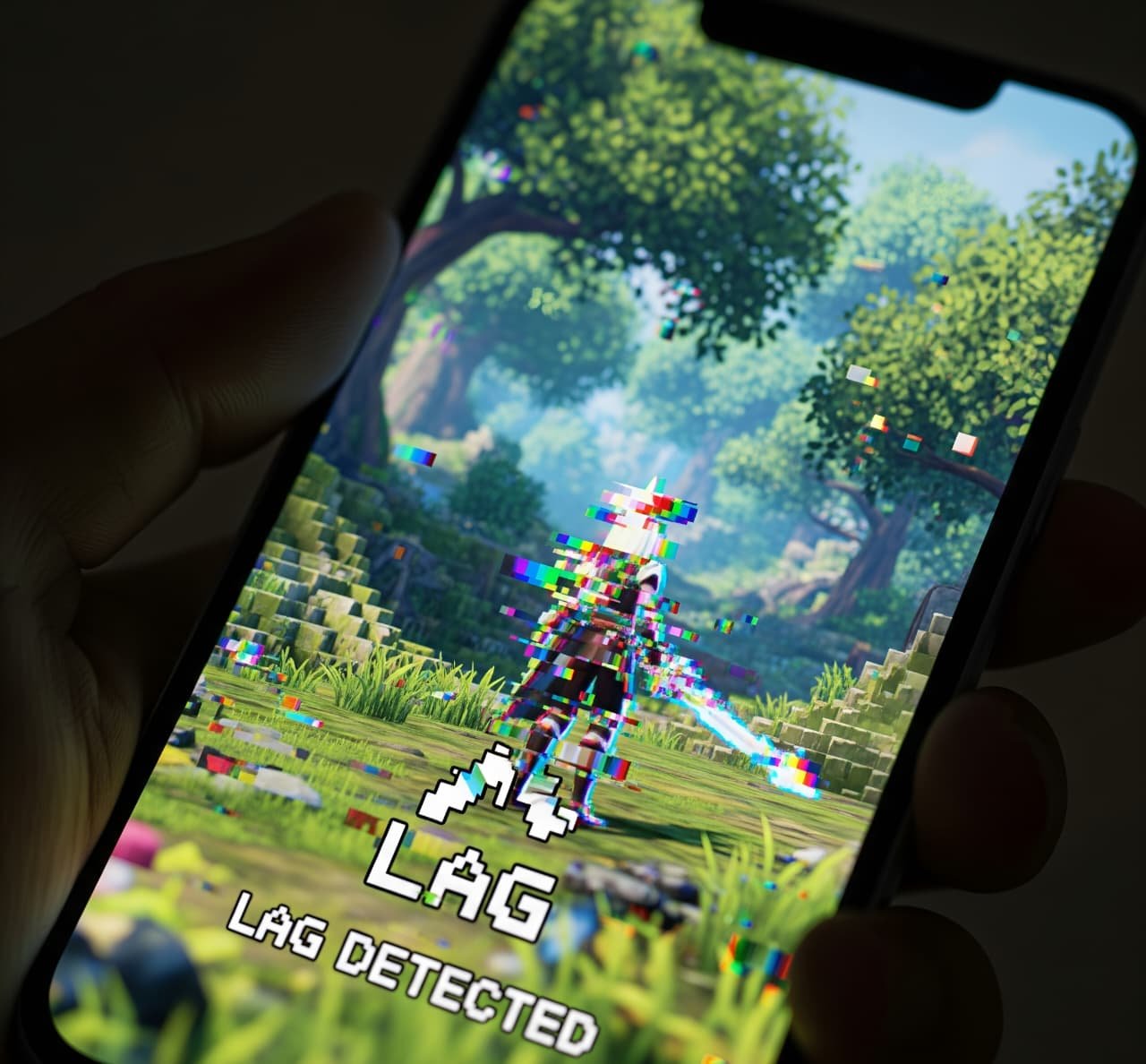
There’s nothing more frustrating than losing a match because of lag or a bad connection. Whether you’re playing on mobile, PC, or console, a stable and fast internet connection is key to a smooth gaming experience. In 2025, as games become more advanced and competitive, having high ping or connection drops can ruin your gameplay and even affect your rankings.
If you’re tired of constant delays, rubberbanding, or freezing screens, this guide will show you how to reduce lag and improve your internet connection step-by-step.
🎮 What Is Lag and Why Does It Happen?
Lag is a noticeable delay between your action (like pressing a button) and the response in the game. It often happens when there’s high latency (ping) or unstable network conditions.
Common causes of lag in gaming:
- Slow or unstable internet connection
- Network congestion (too many devices connected)
- Wi-Fi signal interference
- High ping due to distance from servers
- Background apps using bandwidth
- Outdated network hardware
✅ Step-by-Step Tips to Fix Lag and Improve Internet for Gaming
1. Use a Wired Connection (If Possible)
If you’re playing on a PC or console, always prefer Ethernet over Wi-Fi. A wired connection is much more stable, faster, and less prone to interference.
If you’re on mobile, try to play closer to your router or consider using a mobile Ethernet adapter (some modern devices support this via USB-C).
2. Restart Your Router Regularly
Routers can get overloaded over time. Restarting your router:
- Clears up memory
- Fixes small connection bugs
- Refreshes your IP address
💡 Tip: Restart your router at least once a week for best performance.
3. Move Closer to the Wi-Fi Router
If you’re gaming on Wi-Fi, distance matters. Walls, furniture, and electronics can weaken the signal, causing lag spikes.
Try to:
- Move your gaming device closer to the router
- Avoid placing the router near microwaves or TVs
- Place the router in a central, elevated location in your home
4. Use 5GHz Wi-Fi Instead of 2.4GHz
Most modern routers offer dual-band Wi-Fi: 2.4GHz and 5GHz.
- 2.4GHz = better range, but slower and more crowded
- 5GHz = faster and less interference, perfect for gaming
Switch your device to 5GHz for smoother gameplay and lower ping.
5. Limit Other Devices and Background Apps
Streaming, downloading, or even background app updates can eat up your bandwidth. Make sure to:
- Close unused apps
- Pause downloads
- Ask others in the household to avoid heavy internet use while you play
On mobile, turn off background data usage for unnecessary apps in settings.
6. Update Your Game and Device
Outdated software can cause compatibility issues or poor network performance. Always:
- Keep your game updated
- Update your device firmware
- Update your router (many routers allow firmware updates via web interface)
7. Use a Gaming VPN (Carefully)
In some cases, a gaming VPN can lower ping by connecting you to a faster or more direct server route. However, not all VPNs are good for gaming.
Use a reputable VPN with:
- Low latency servers
- Gaming-optimized routing
- No data throttling
⚠️ Note: A VPN can help in certain regions, but in others, it may actually increase lag.
8. Change DNS Settings
Switching to a faster DNS provider can help reduce latency. Try using:
- Google DNS:
8.8.8.8and8.8.4.4 - Cloudflare DNS:
1.1.1.1and1.0.0.1
This can improve how quickly your device connects to game servers.
9. Contact Your Internet Provider
If you’ve tried everything and still experience lag:
- Check your internet plan speed (you may need an upgrade)
- Ask if there are known issues in your area
- Consider switching providers if yours is unreliable
🔧 Extra Tips for Mobile Gamers
- Enable Gaming Mode: Many Android phones offer a built-in “Gaming Mode” that optimizes performance and blocks notifications.
- Clear Cache Regularly: Especially for games like Free Fire, PUBG, or Call of Duty Mobile, clearing cache can help reduce lag.
- Avoid Peak Hours: Play at times when internet traffic is low for a smoother experience.
🧠 Final Thoughts: Stay Ahead of the Lag
Lag doesn’t have to ruin your gaming sessions. With the right adjustments and tools, you can boost your connection speed, lower ping, and enjoy games the way they’re meant to be played.
Whether you’re a casual gamer or a ranked warrior, a few smart network tweaks can make a huge difference.
So next time you face lag, follow this guide — and take back control of your game.
Ya hice la confi